Author: admin

  • Tutorial: Build a Pro Home Filming Setup on a Budget

    Tutorial: Build a Pro Home Filming Setup on a Budget

    You don’t need a studio to make content that looks expensive. Follow this tutorial to build a home filming setup that punches way above its price tag.

    Step 1: Light first, camera second

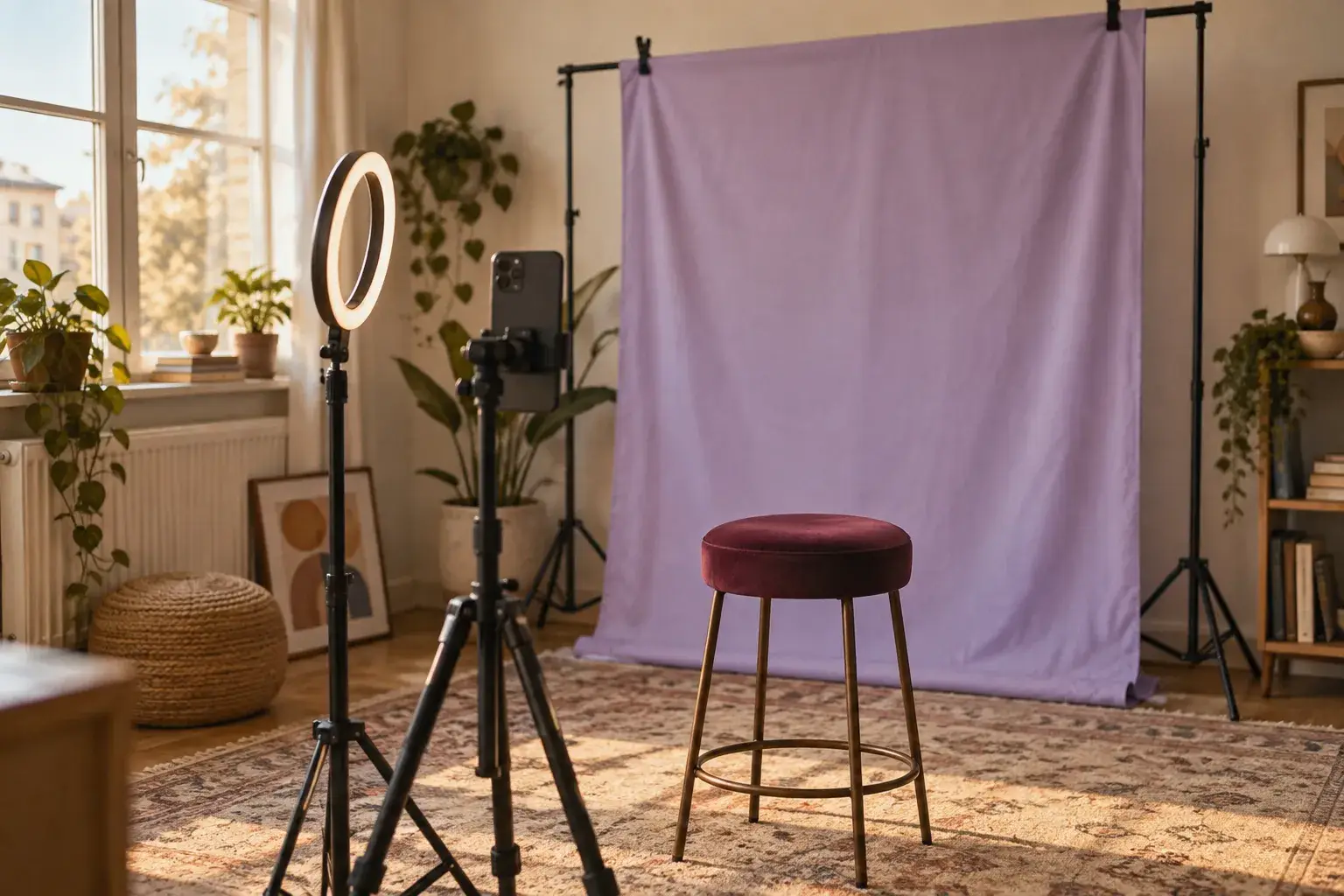
    Light matters more than your camera. Face a window for soft natural light, and add a ring light or a small LED panel at a 45-degree angle for consistency on cloudy days.

    Step 2: Fix your audio

    People forgive blurry video, not bad sound. A clip-on lavalier mic or a small USB mic is the single best upgrade you can make. Film in a room with rugs, curtains or cushions to reduce echo.

    Step 3: Use the phone you already have

    Modern phones shoot beautiful 4K. Use the rear camera, lock focus and exposure, and clean your lens before every shoot.

    Step 4: Stabilize with a tripod

    A cheap tripod with a phone clamp gives you steady shots and frees your hands.

    Step 5: Style your backdrop

    Pick a simple background in your brand colors: a painted wall, a fabric sheet, a shelf with a few plants. Keep it consistent so viewers instantly recognize your videos.

    Step 6: Frame like a pro

    • Put your eyes on the top third of the frame.
    • Leave a little headroom.
    • Shoot vertical for shorts and horizontal for long-form.

    Budget checklist

    • Ring light or LED panel
    • Lavalier or USB mic
    • Tripod with phone clamp
    • Simple backdrop

    Set it up once, leave it up, and you’ll film more often. That’s the real secret.
  • Social Media Strategy for Small Creators: Grow From 0 to 10K

    Social Media Strategy for Small Creators: Grow From 0 to 10K

    Growing from zero is the hardest part, and nobody tells you the real playbook. Here’s the social media strategy that works for small creators who don’t have a big budget or a team.

    Pick a niche you can talk about for 100 videos

    If you can’t list 100 post ideas, the niche is too narrow. If anyone could post it, it’s too broad. Aim for a specific audience with a specific problem.

    Hooks are everything

    You have about 1.5 seconds. Open with the payoff, a bold claim or a question. Good hook formulas:

    • “Stop doing this if you want more views.”
    • “I tested X for 30 days, here’s what happened.”
    • “The tool nobody talks about that saves me hours.”

    Post consistently, not constantly

    Three great posts a week beat seven rushed ones. Pick a cadence you can keep for six months and protect it.

    Read your analytics weekly

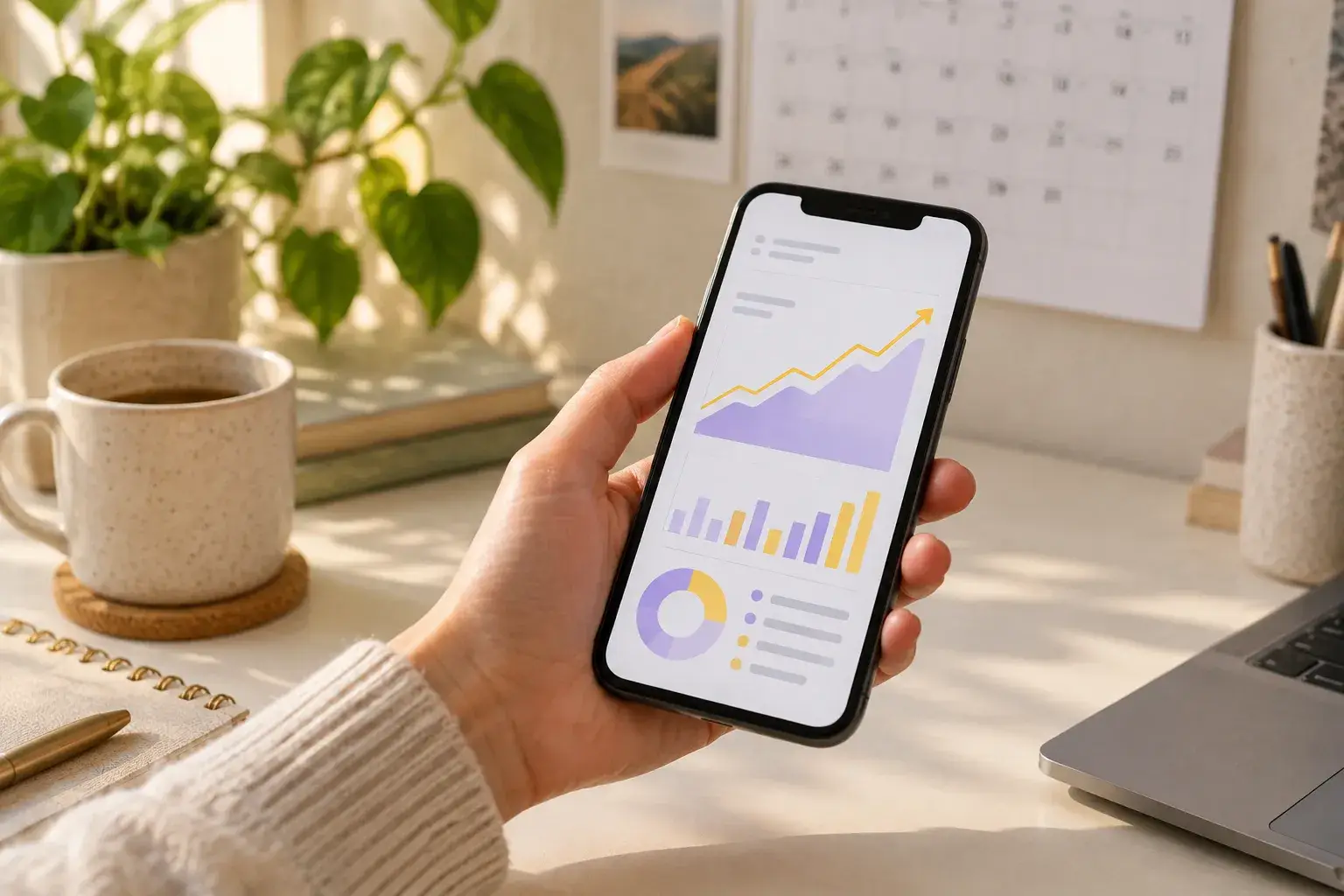
    Watch retention, shares and saves more than likes. Shares and saves tell the algorithm your content is worth pushing. Double down on what holds attention past the first 3 seconds.

    Build community, not just reach

    Reply to every comment in the first hour. Ask questions in captions. Go live. A small engaged audience converts better than a big silent one.

    Own your audience

    Platforms change overnight. A website and an email list are the only audience you truly own, so send people there from day one.

    Save this post, share it with a creator friend, and welcome to the fam.

  • How to Never Run Out of Content Ideas: A Creator’s System

    How to Never Run Out of Content Ideas: A Creator’s System

    Creator’s block is real, but it’s usually a system problem, not a creativity problem. Here’s the exact process I use to keep a full idea bank all year long.

    Start with 3 to 5 content pillars

    Content pillars are the big topics you want to be known for. Mine are content creation, AI design tools, social media strategy and tutorials. Every single idea has to fit into one pillar. This keeps your channel focused, which is what the algorithm and your audience both reward.

    Build an idea bank (and feed it daily)

    Keep one running note on your phone. Any time you answer a question, notice a trend or have a shower thought, drop it in. Aim for five new ideas a day. In a month you’ll have 150.

    Mine your comments and DMs

    Your audience is literally telling you what they want. Every question in your comments is a video title. Screenshot them and add them to your bank.

    Use the 1 idea, 5 formats rule

    One idea can become a long-form video, a short, a carousel, a blog post and a newsletter. Repurposing isn’t lazy, it’s smart distribution.

    Search like your audience

    Type your topic into search bars on YouTube, TikTok, Pinterest and Google and look at the autocomplete suggestions. Those are real searches people make every day, aka free SEO research.

    Batch your brainstorming

    • Set a 30-minute timer once a week.
    • Write 20 headlines without judging them.
    • Pick the top 5 and schedule them.

    Consistency comes from systems, not motivation. Try this for a month and tell me how it goes.

  • 7 AI Design Tools Every Content Creator Should Try in 2026

    7 AI Design Tools Every Content Creator Should Try in 2026

    Let’s be real: you didn’t start creating content to spend four hours on one thumbnail. AI design tools have gotten good enough that they now handle the boring parts so you can focus on the ideas. Here are the ones that hit different for creators right now, and exactly how to use them.

    1. AI image generators for thumbnails and hero shots

    Image generators are perfect for backgrounds, concept art and scroll-stopping visuals. The trick is to write prompts like a photographer: describe the subject, the light, the framing and the mood. Save your best prompts as templates so every thumbnail feels on-brand.

    2. All-in-one design platforms with AI built in

    Drag-and-drop design platforms now include magic resize, background removal and text-to-design. Build one carousel, then resize it for Reels covers, Pins and Stories in seconds.

    3. AI website builders

    Your link-in-bio page is your digital storefront. AI website builders let you go from prompt to a real, SEO-friendly site in an afternoon, no code needed.

    4. Background removal and upscaling

    Clean cut-outs and crisp upscales make product shots, brand collabs and merch mockups look pro without a studio.

    5. AI color and font pairing

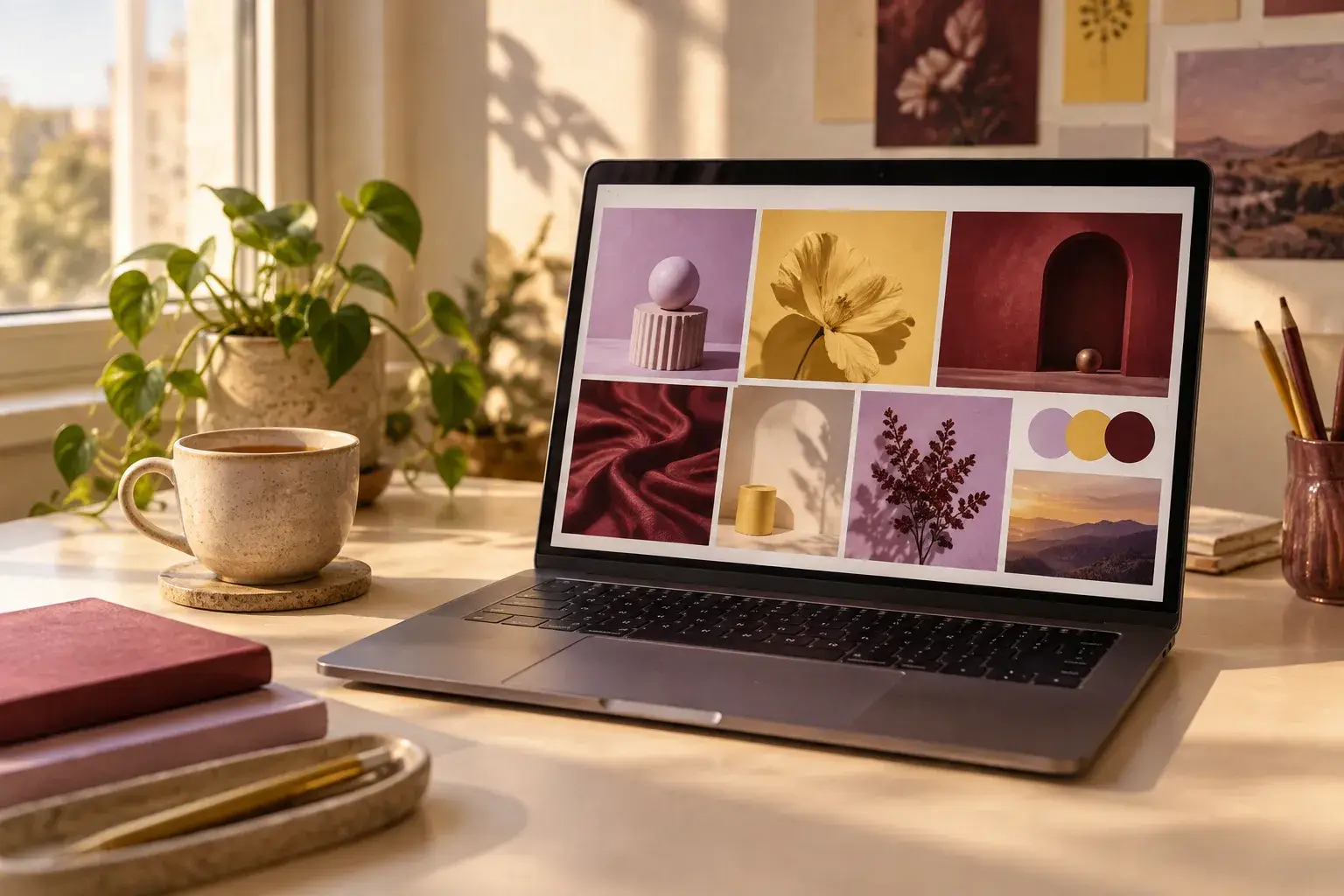
    Stuck on a palette? Color and font pairing tools suggest combinations based on a mood or an uploaded photo, so your feed finally looks cohesive.

    6. AI video thumbnail testers

    Some tools now predict which thumbnail gets more clicks. Use them to A/B test two options before you publish.

    7. Brand kit generators

    Feed in your niche and vibe and get logos, color systems and templates. Treat the output as a first draft, then make it yours.

    How to keep AI designs from looking generic

    • Always add one human touch: your handwriting, your photo, your color.
    • Stick to a fixed palette of 3 to 4 colors.
    • Reuse the same layouts so people recognize you mid-scroll.

    Want the full walkthrough? Check out the tutorials section and join the fam newsletter for weekly tool drops.

  • Hello world!

    Welcome to WordPress. This is your first post. Edit or delete it, then start writing!