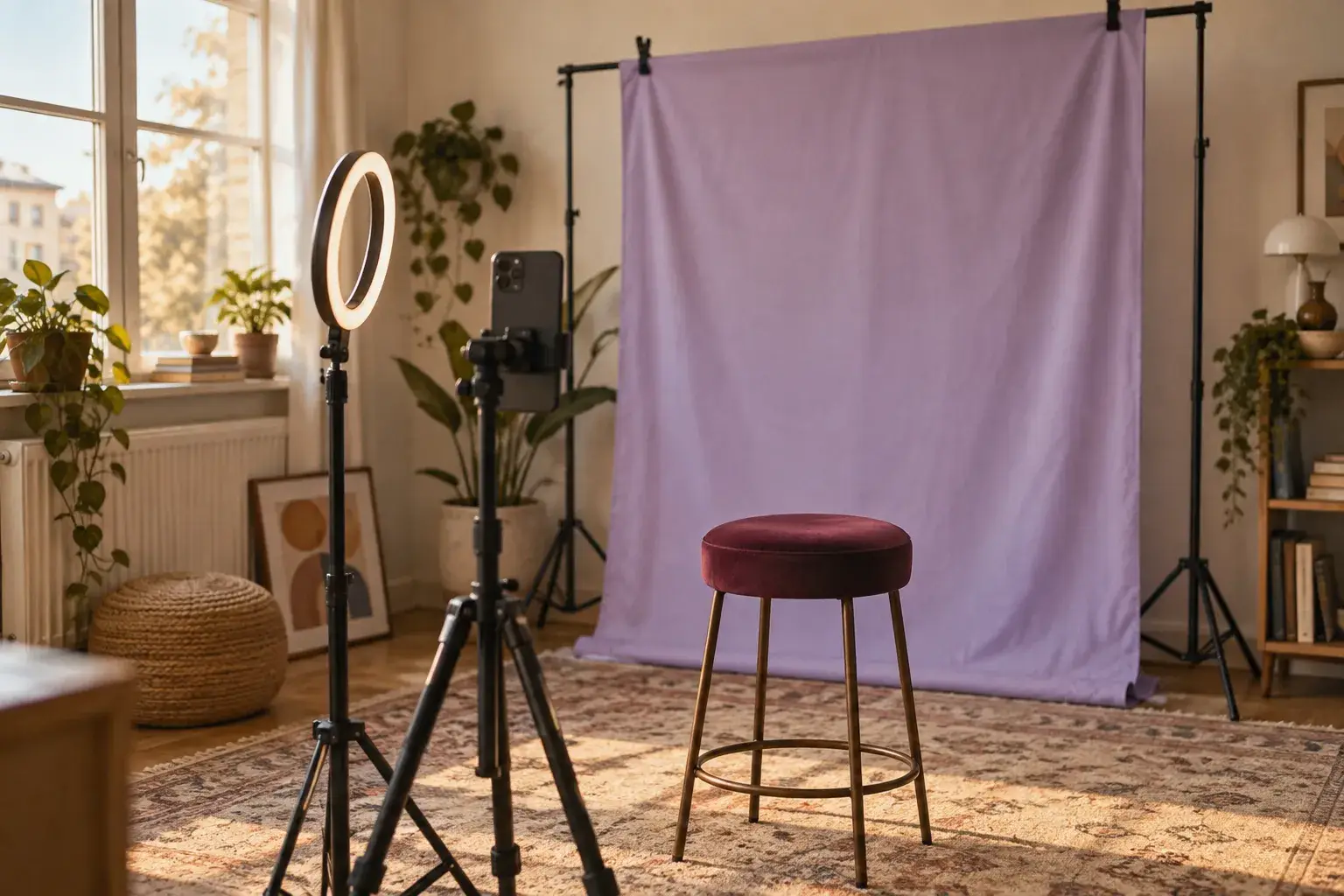
You don’t need a studio to make content that looks expensive. Follow this tutorial to build a home filming setup that punches way above its price tag.
Step 1: Light first, camera second
Light matters more than your camera. Face a window for soft natural light, and add a ring light or a small LED panel at a 45-degree angle for consistency on cloudy days.
Step 2: Fix your audio
People forgive blurry video, not bad sound. A clip-on lavalier mic or a small USB mic is the single best upgrade you can make. Film in a room with rugs, curtains or cushions to reduce echo.
Step 3: Use the phone you already have
Modern phones shoot beautiful 4K. Use the rear camera, lock focus and exposure, and clean your lens before every shoot.
Step 4: Stabilize with a tripod
A cheap tripod with a phone clamp gives you steady shots and frees your hands.
Step 5: Style your backdrop
Pick a simple background in your brand colors: a painted wall, a fabric sheet, a shelf with a few plants. Keep it consistent so viewers instantly recognize your videos.
Step 6: Frame like a pro
- Put your eyes on the top third of the frame.
- Leave a little headroom.
- Shoot vertical for shorts and horizontal for long-form.
Budget checklist
- Ring light or LED panel
- Lavalier or USB mic
- Tripod with phone clamp
- Simple backdrop
Set it up once, leave it up, and you’ll film more often. That’s the real secret.